


Enscape Training in Chennai
Join Enscape Training in Chennai at SSA. Highly reviewed Enscape Training Institute in Chennai.
4503 Ratings | Read Reviews
★★★★★ 4.5/5
- Real-Time Experts as Trainers
- LIVE Project
- Certification
- Affordable Fees
- Flexibility
- Placement Support
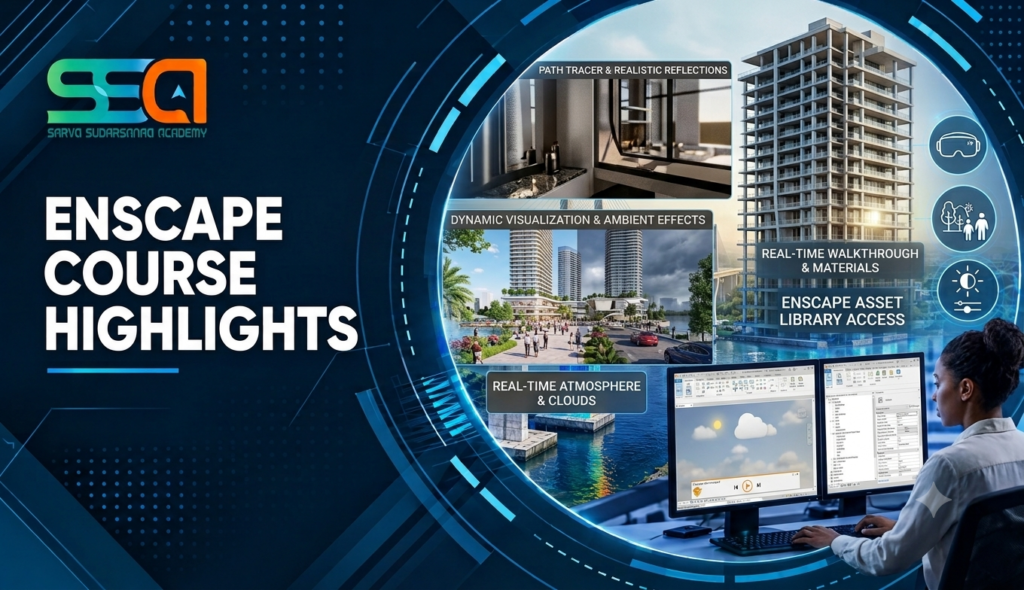
Enscape is a real-time rendering and virtual reality plugin used by architects, interior designers and engineers to turn 3D models into photorealistic visuals instantly. It works directly inside SketchUp, Revit, Rhino, ArchiCAD and Vectorworks, so there is no separate export or long render wait. As you edit the model, the rendered view updates live, letting designers and clients walk through a project, check materials, lighting and layout, and make decisions faster.
For More Details: Register today for learning EnscapeTraining to go for Advance
Course Highlights
Visualizing a Project in Enscape
- Real-time material and texture editing
- Lighting setup: sun position, artificial lighting and exposure
- Asset library: furniture, vegetation, people and vehicles
- Site context, terrain and surroundings
- Fog, reflections and post-processing effects
- Walkthrough and flythrough animation
- VR walkthroughs for client presentation
- Panorama and 360-degree image export
- Standalone executable for client sharing
- Video rendering and export settings
- Integration with Revit, SketchUp, Rhino, ArchiCAD and Vectorworks
- Syncing views with BIM model updates
- Real-time rendering — instant photorealistic views as you model
- Walkthroughs and flythroughs — first-person and orbit navigation through your design
- Virtual Reality (VR) — immersive client walkthroughs using VR headsets
- Standalone executables and panoramas — shareable visuals for clients who don’t have the software
- Video and image export — high-quality renders and animations for presentations
- Course modules designed to match current global industry requirements
- Online Enscape course also available
- Customized syllabus based on your background and career goal
- Flexible batch timings: weekday, weekend and fast-track
- Certified, experienced trainers who work in architectural visualization every day
- One-to-one training option so you learn at your own pace
- Separate learning paths for freshers, working professionals, entrepreneurs and career-changers
- Personalized target planning and regular progress reviews
- Project-oriented training with case studies drawn from real projects
- Regular workshops to sharpen skills and keep you updated
- Corporate training experience with reputed design and architecture firms, so the syllabus reflects what industry actually needs
- Placement and entrepreneurship guidance
- One of the most affordable Enscape course fees in Chennai
- Classroom and instructor-led live online training
Upcoming Batches
Weekdays Training
Weekend Training
Classroom Training
- Get trained by Industry Experts via Classroom Training at any of the SSA branches near you
- Why Wait? Jump Start your Career by taking the Enscape Course in Chennai!
Instructor-Led Live Online Training
- Take-up Instructor-led Live Online Training.
- Travelling is a Constraint? Jump Start your Career by taking the Enscape Online training!
Syllabus
Overview of Enscape and real-time rendering
Applications in architectural visualization
Features and capabilities of Enscape
Enscape interface and workspace
System requirements and installation
Supported software and file formats
Enscape toolbar and navigation
Project setup and rendering workflow
Enscape integration with Revit
Enscape integration with SketchUp
Enscape integration with Rhino
Enscape integration with Archicad
Enscape integration with Vectorworks
Model synchronization
Live updates and design iteration
Managing large architectural models
Preparing models for visualization
Organizing model elements
Layer and category management
Geometry cleanup
Model scale and units
Scene optimization
Component and asset placement
Managing model visibility
Real-time 3D navigation
Walk mode and fly mode
Orbit, pan, and zoom controls
Camera positioning
Field of view settings
Two-point perspective
Orthographic views
Viewpoint creation and management
Saving and organizing views
Introduction to Enscape materials
Material editor
Assigning and editing materials
Diffuse and albedo properties
Roughness and reflectivity
Transparency and translucency
Normal and bump maps
Displacement mapping
Texture scale and orientation
Material library management
Creating custom material appearances
Glass and transparent materials
Metal and reflective surfaces
Wood and natural materials
Concrete and stone textures
Fabric and upholstery materials
Water materials
Emissive materials
Repeated textures and mapping
Material realism and consistency
Material troubleshooting
Fundamentals of architectural lighting
Natural and artificial lighting
Sun position and orientation
Geographic location and time settings
Daylight and shadow settings
Interior lighting
Artificial light sources
Emissive surfaces
Light balance and exposure
Lighting for realistic presentation
Enscape environment settings
Skybox and custom skies
HDRI environment setup
Cloud and weather settings
Fog and atmospheric effects
Background image configuration
Horizon and landscape settings
Day and night visualization
Seasonal and environmental presentation
Overview of the Enscape Asset Library
Placing people and entourage
Vegetation and landscape assets
Furniture and interior objects
Vehicles and urban elements
Artificial lighting assets
Custom asset placement
Asset positioning and scaling
Asset organization and optimization
Creating realistic architectural scenes
Interior scene preparation
Furniture and accessory placement
Interior lighting techniques
Material selection for interiors
Camera composition
Natural light in interior spaces
Artificial light balancing
Living room and bedroom visualization
Kitchen and office visualization
Interior presentation standards
Exterior model preparation
Building façade visualization
Site and landscape development
Vegetation and environmental assets
Exterior lighting
Daytime and nighttime views
Camera composition for buildings
Context and surrounding environment
Architectural presentation views
Exterior rendering optimization
Enscape visual settings
Image composition and framing
Resolution and aspect ratio
Screenshot generation
Image export settings
Exposure and brightness
Contrast and saturation
Depth of field
Field of view adjustment
Rendering quality settings
Exporting presentation-ready images
Introduction to Enscape video creation
Creating camera paths
Setting keyframes
Camera movement and transitions
Interior walkthroughs
Exterior walkthroughs
Project presentation videos
Adjusting animation speed
Exporting video files
Walkthrough presentation techniques
Project 1: Residential Interior Visualization
Importing and preparing the 3D model
Material assignment and customization
Furniture and asset placement
Interior lighting setup
Camera composition
High-quality image export
Project 2: Residential / Commercial Exterior
Building model preparation
Façade materials
Landscape and asset placement
Daylight and environmental settings
Exterior camera views
Final image rendering
Trainer Profile
- Our trainers combine strong design sense with hands-on visualization practice, so what you learn matches what industry expects.
- Instructors are working professionals with experience in architectural visualization and design presentation, many with corporate training backgrounds.
- The training team stays current with industry needs and software updates, and we pass these to every batch.
- Trainers deliver real-time, project-based sessions, not slides alone.
- Every student can receive individual attention, with the pace and depth adjusted to their needs.
- We help you build a focused portfolio, a visualization project showcase and the confidence to face client presentations and interviews.
Features
Years Of Experience
Learning a technology with a professional who is well expertise in that solve 60% of your needs.
Fully Hands-on Training
We support any training with more practical classes. So, we always prefers to give hands-on training.
Flexible Timings
We started with 2 trainers, now we are 100+ and it’s still increasing. So we can give the students flexibility timings.
Affordable Fees
If you need software assistance we are here to back you up. Bring your laptop and load the required software and learn.
Lab Support
If you need software assistance we are here to back you up. Bring your laptop and load the required software and learn.
Interview Preparation
Every course in covered with interview point questions and real-time scenarios of what the company may look after from you.
Certifications
Enscape Certification Training
About Enscape Certification Training in Chennai at SSA
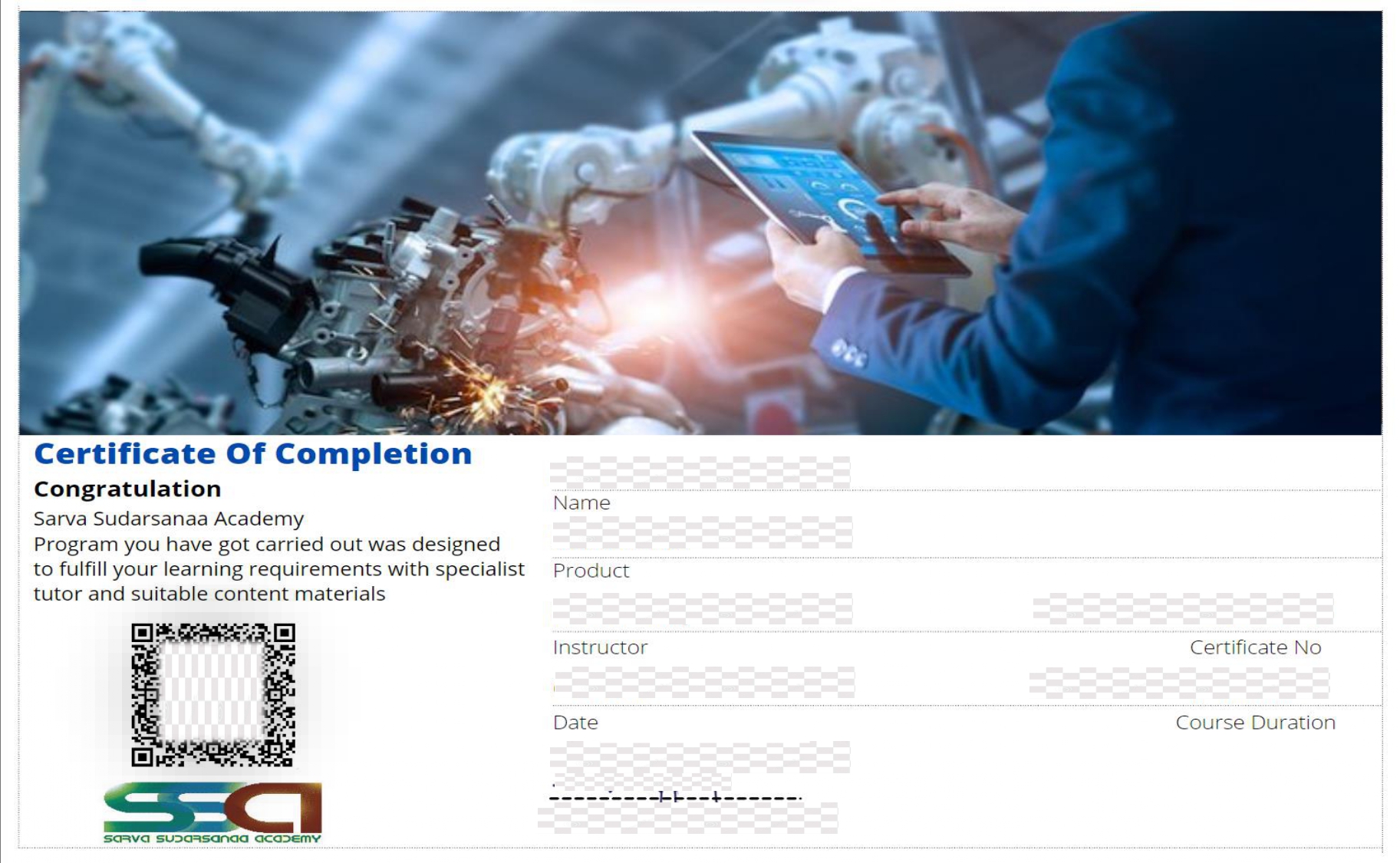
An Enscape certificate shows employers that you have practical knowledge of real-time visualization and have applied it to real project work. With a live project completed at the end of the course, your certificate is backed by demonstrable skills, which helps your profile stand out during shortlisting and interviews.
Our certification is awarded after successful completion of the course modules and the capstone project, under the guidance of trainers who have experience in architectural visualization and corporate training.
Opportunity
Job Opportunities After Completing Enscape Course in Chennai
Real-time visualization skills are in demand wherever design needs to be communicated clearly and quickly. After completing the course you can apply for roles such as:
- Architectural Visualizer
- 3D Visualization Artist
- BIM Visualization Specialist
- Interior Design Visualizer
- Design Presentation Executive
- Junior Architect / Design Coordinator
- Freelance Rendering Artist

Reviews
One of the finest institute, Had one to one coaching which was very beneficial and staffs were too supportive and friendly, gained lot of knowledge about all software's, classes are arranged as per our convenience which i find great.
Ashwanthini
I learnt the AutoCAD and CATIA course they taught all the concepts very clearly, they gave me more practices. Infrastructure is good. Also the institute helped for my placement.
Anbu Sabari
This is the best place to learn design software. Then guidance is also good. I learn creo software very well. The faculty teach software tools very clearly and best.
Vinith Kumar
Good place to study design courses. They give personal attention to each and every student and are approachable .They are dedicated and knowledgeable.
Devadharshini.C
Good Institution. Teaching was very good. Doubts clearing fantastic. Value for money. Life time access is superb.
Really a wonderful learning in this institute.
Ari Siva
Previous
Next
FAQ'S
- SSA students can have a vast and practical kind of course knowledge since they get training from the corporate trainers who are with experience.
- The only institution in Chennai who first introduced the ‘one to one’ training in professional courses.
- Affordable and reasonable fee structure.
- Flexible course timings.
- Corporate trainers.
- Real time projects and case studies.
Enscape works as a plugin inside Revit, SketchUp, Rhino, ArchiCAD and Vectorworks.
No. We start from the basics of real-time rendering and build up to full client-presentation workflows.
- SSA was inaugurated and commenced its service and operations in 2014 as an independent institute for training technical designs and concepts for all engineering courses.
- After 7 years of tremendous growth, today SSA has served Job cum entrepreneurship for 200+ students.
- More than 500 students have been trained from 20+ colleges and have been benefited by our quality teaching concepts.
- SSA has placed 80+ students in the corporates in mechanical and civil domain.
- SSA is carrying out consecutive trainings in wiring harness, ArtCAM and various mechanical and civil soft wares and courses for leading and giant corporates like Bosch,L&T ,caterpillar etc..,
- SSA is being tagged with consecutive corporate trainings on behalf of its quality services in technical concepts.
- SSA’s ultimate goal and responsibility is to be trustworthy and enlighten the technical knowledge to the students and corporate personals in the time of need.
- Trainers are Industry Experts who have a decade of experience as corporate trainers/Real time designers and practitioners in mechanical and civil industries. Also, the Training faculty of SSA are working professionals from the mechanical and civil field who provide hands-on training to the students.
SSA provides trainings both offline and online.
- Offline
- online
- Available
- Cash, card, Upi, net banking.