

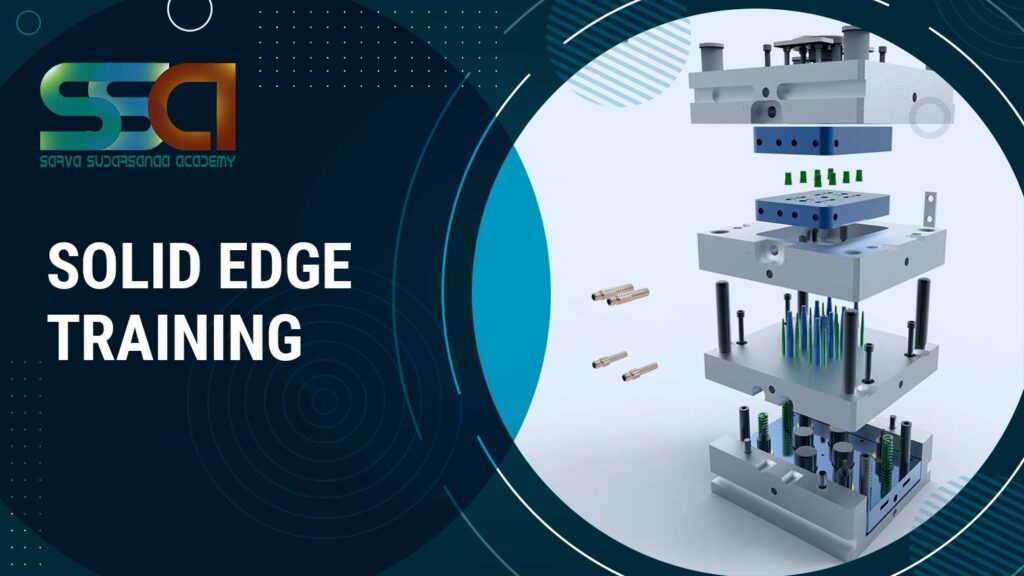

Solid Edge Training In Chennai
4503 Ratings | Read Reviews
★★★★★ 4.5/5
- Real-Time Experts as Trainers
- LIVE Project
- Certification
- Affordable Fees
- Flexibility
- Placement Support
Solid Edge is a 3D CAD, parametric feature and synchronous technology solid modeling software. It runs on Microsoft Windows and provides solid modeling, assembly modelling and 2D orthographic view functionality for mechanical designers. Solid edge is the best software used by mechanical engineers. It is used for product designs in automobile industries. This software combines CAD, CAM and CAE all together in one this make very easy for 3D printing.” SOLIDWORKS is used to develop mechatronics systems from beginning to end. At the initial stage, the software is used for planning, visual ideation, modeling, feasibility assessment, prototyping, and project management. The software is then used for design and building of mechanical, electrical, and software elements. SOLIDWORKS is a very productive 3D CAD software tool. It helps to design various products and services, testing them in very cost effective way like Model and prototype testing as you learned earlier in engineering degree class. Product design and other engineering services.
For More Details: Register today for learning Solid Edge Training to go for Advance
Course Highlights
Solid Edge is a 3D CAD, parametric feature and synchronous technology solid modeling software. It runs on Microsoft Windows and provides solid modeling, assembly modelling and 2D orthographic view functionality for mechanical designers. Through third party applications it has links to many other Product Lifecycle Management (PLM) technologies.
Originally developed and released by Intergraph in 1996 using the ACIS geometric modeling kernel, it changed to using the Para solid kernel when it was purchased and further developed by UGS Corp in 1998. In 2007, UGS was acquired by the Automation & Drives Division of Siemens AG. UGS company was renamed Siemens Digital Industries Software on October 1, 2007.
Since September 2006, Siemens has also offered a free 2D version called Solid Edge 2D Drafting. Solid Edge is available in Design and Drafting, Foundation, Classic or Premium. The “Premium” package includes all of the features of “Classic” plus mechanical and electrical routing software, and engineering simulation capabilities for Computer Aided Engineering (CAE).
Solid Edge is a direct competitor to SolidWorks, Creo, Inventor, IRONCAD, and others.
Solid Edge is great for modeling any object, from simple to complex. If it is easier for you to create piece by piece and then assemble it, Solid Edge is very good and easy to use. Solid Edge is great for creating plans, since it is very easy and intuitive to use measurement tools.
Solid Edge is a portfolio of affordable, easy-to-use software tools that address all aspects of the product development process. Solid Edge combines the speed and simplicity of direct modeling with the flexibility and control of parametric design – made possible with synchronous technology.
- Part Design
- Assembly design
- Detailing and drafting
- Blocks
- Sheet Metal Modelling
- Surface modelling
- Expertly designed Course modules to meet with the global industry requirements.
- Customized Syllabus pattern for Solid edge training course in SSA
- SSA provides Solid edge classes in flexible timings.
- Solid edge training in Chennai is provided by Certified, experienced and proficient trainers in SSA.
- SSA provides Solid edge training through Industrial expertise trainers for quality services.
- SSA renders Solid edge course, on a strategy of One to one training which makes students more comfortable and productive.
- SSA withholds a unique concept of training its students according to their existing state whether they are a fresher/entrepreneur/field change seeker.
- SSA provides customized target planning.
- Successful workshops are regularly conducted for the fine touch up of knowledge and to enhance the skills of the candidates.
- Project oriented Solid edge software training with numerous case studies from industries.
- Industry-Institute coordinated efforts to get the students updated with latest technologies.
- SSA is rendering consecutive corporate trainings for industries like Bosch, L&T, and Caterpillar etc. Hence SSA trains our students as per the leading mechanical and civil industry requirements.
- SSA provides Placement/entrepreneurship ideas and assistance.
- SSA has come up with most affordable Solid edge course fees in Chennai.
- SSA also renders successful Solid edge online training course in Chennai
Upcoming Batches
Weekdays Training
Weekend Training
Classroom Training
- Get trained by Industry Experts via Classroom Training at any of the SSA branches near you
- Why Wait? Jump Start your Career by taking the Solid Edge Course in Chennai!
Instructor-Led Live Online Training
- Take-up Instructor-led Live Online Training. Get the Recorded Videos of each session.
- Travelling is a Constraint? Jump Start your Career by taking the Solid Edge Online training!
Syllabus
Introduction to Solid Edge
Solid Edge interface and navigation
Ribbon and command bar
PathFinder and feature tree
File management and document templates
Units and document settings
Part, Assembly and Draft environments
Synchronous and Ordered modelling concepts
Design intent and parametric modelling
Introduction to 2D sketching
Sketch environment
Line, circle, arc and rectangle
Polygon and slot
Tangent and construction geometry
Trim, extend and offset
Geometric relationships
Dimensional constraints
Horizontal, vertical and coincident constraints
Fully constrained sketches
Sketch modification and analysis
Introduction to Part Design
Protrusion
Cutout
Revolve
Revolved cutout
Hole creation
Round
Chamfer
Draft
Thin wall
Rib
Pattern features
Mirror features
Reference planes and axes
Coordinate systems
Feature editing and modification
Ordered modelling
Synchronous modelling
Synchronous Live Rules
Steering wheel
Face modification
Move and rotate faces
Design intent recognition
Multi-body modelling
Boolean operations
Replace face
Split body
Thin-wall components
Advanced feature creation
Parametric design techniques
Introduction to Assembly Design
Creating a new assembly
Inserting components
Assembly structure
Grounding components
Assembly relationships
Planar align
Axial align
Mate and connect relationships
Angle relationships
Component positioning
Sub-assemblies
Assembly constraints
Component modification
Assembly structure management
Component patterns
Assembly configurations
Flexible sub-assemblies
Exploded views
Assembly animation
Interference checking
Clearance analysis
Assembly relationships
Component replacement
Large assembly management
Bill of Materials (BOM)
Assembly documentation
Introduction to Sheet Metal
Sheet metal environment
Tab creation
Contour flange
Bend creation
Flange operations
Cutouts
Bend relief
Corner treatment
Unbend
Rebend
Flat pattern
Sheet metal patterns
Material thickness
Bend allowance
Sheet metal drawing
Introduction to surface modelling
Surface creation
Extruded surfaces
Revolved surfaces
Swept surfaces
Lofted surfaces
Boundary surfaces
Trim surfaces
Extend surfaces
Offset surfaces
Surface stitching
Surface modification
Surface-to-solid conversion
Complex component modelling
Introduction to Weldments
Weldment assembly
Structural members
Weldment profiles
Frame creation
Trim and extend
Corner treatment
Weld bead
End caps
Weldment properties
Cut list
Structural fabrication drawings
Introduction to Drafting
Drawing sheet creation
Drawing templates
Standard views
Principal views
Projected views
Section views
Detail views
Auxiliary views
Broken views
Isometric views
Dimensions
Tolerances
Geometric Dimensioning & Tolerancing (GD&T)
Centre lines and centre marks
Annotations
Surface finish symbols
Welding symbols
Title blocks
Bill of Materials
Balloons
Drawing revision
Introduction to Synchronous Technology
Direct modelling concepts
Synchronous features
Live Rules
Steering wheel
Face selection and modification
Dimensional edits
Design modification
Imported model editing
Parametric and direct modelling workflow
Design reuse and productivity techniques
Introduction to engineering analysis
Material assignment
Loads and constraints
Mesh generation
Static analysis fundamentals
Stress and deformation concepts
Basic results interpretation
Design validation concepts
Note: The availability and specific workflow of analysis capabilities depend on the installed Solid Edge edition and licensed modules.
Manufacturing-oriented part modelling
Sheet metal development
Flat pattern generation
Manufacturing drawings
Machining feature documentation
Production annotations
Component properties
Engineering documentation
Manufacturing design practices
Project 1 – Mechanical Component
2D drawing interpretation
Sketch creation
Part modelling
Feature development
Engineering drawing
Project 2 – Mechanical Assembly
Component modelling
Assembly creation
Assembly relationships
Interference checking
Exploded view
BOM and assembly drawing
Project 3 – Sheet Metal Component
Sheet metal modelling
Flange and bend creation
Cutouts and corner treatment
Flat pattern
Manufacturing drawing
Trainer Profile
- SSA unites the exact blend of theoretical and practical knowledge of the web engineering designs and it’s concepts and renders to its students which makes them to be highly compatible with what they learn.
- SOLID EDGE tutors/ Instructors in SSA provide the most smart and flexible way of learning such that the students become more Comfortable in achieving their knowledge quest.
- The SOLID EDGE trainers/Instructors in SSA are frequently updated about the nature of industrial needs through our research team. SSA provides trainings for corporate personals from reputed corporates like ILJIN AUTOMOTIVE PVT LTD,Nilpeter india,Planet G Systems,Sameer-cem, Newell Brands etc., Hence SSA provides the growing and exact needs of the industries to its trainers to serve the students better.
- Trainers are well equipped and knowledge in SSA to render high a level of standard in SOLID EDGE practices.
- SSA’s Instructors are real time professionals who can render hands on training along with the SOLID EDGE practices.
- Trainers at SSA enlighten and train the students with updated needs of the industries relevant to their areas or domains.
- Each student in SSA gets individual trainer who attends, listens, teaches and trains the student individually according to the student’s Pace and need.
- We the SSA help our students to create and build their resume more intensely, specifically and uplift their confidence to get placed in a well reputed and knowledgeable company.
Features
Years Of Experience
Learning a technology with a professional who is well expertise in that solve 60% of your needs.
Fully Hands-on Training
We support any training with more practical classes. So, we always prefers to give hands-on training.
Flexible Timings
We started with 2 trainers, now we are 100+ and it’s still increasing. So we can give the students flexibility timings.
Affordable Fees
If you need software assistance we are here to back you up. Bring your laptop and load the required software and learn.
Lab Support
If you need software assistance we are here to back you up. Bring your laptop and load the required software and learn.
Interview Preparation
Every course in covered with interview point questions and real-time scenarios of what the company may look after from you.
Certifications
Solid Edge Certification Training
About Solid Edge Certification Training in Chennai at SSA
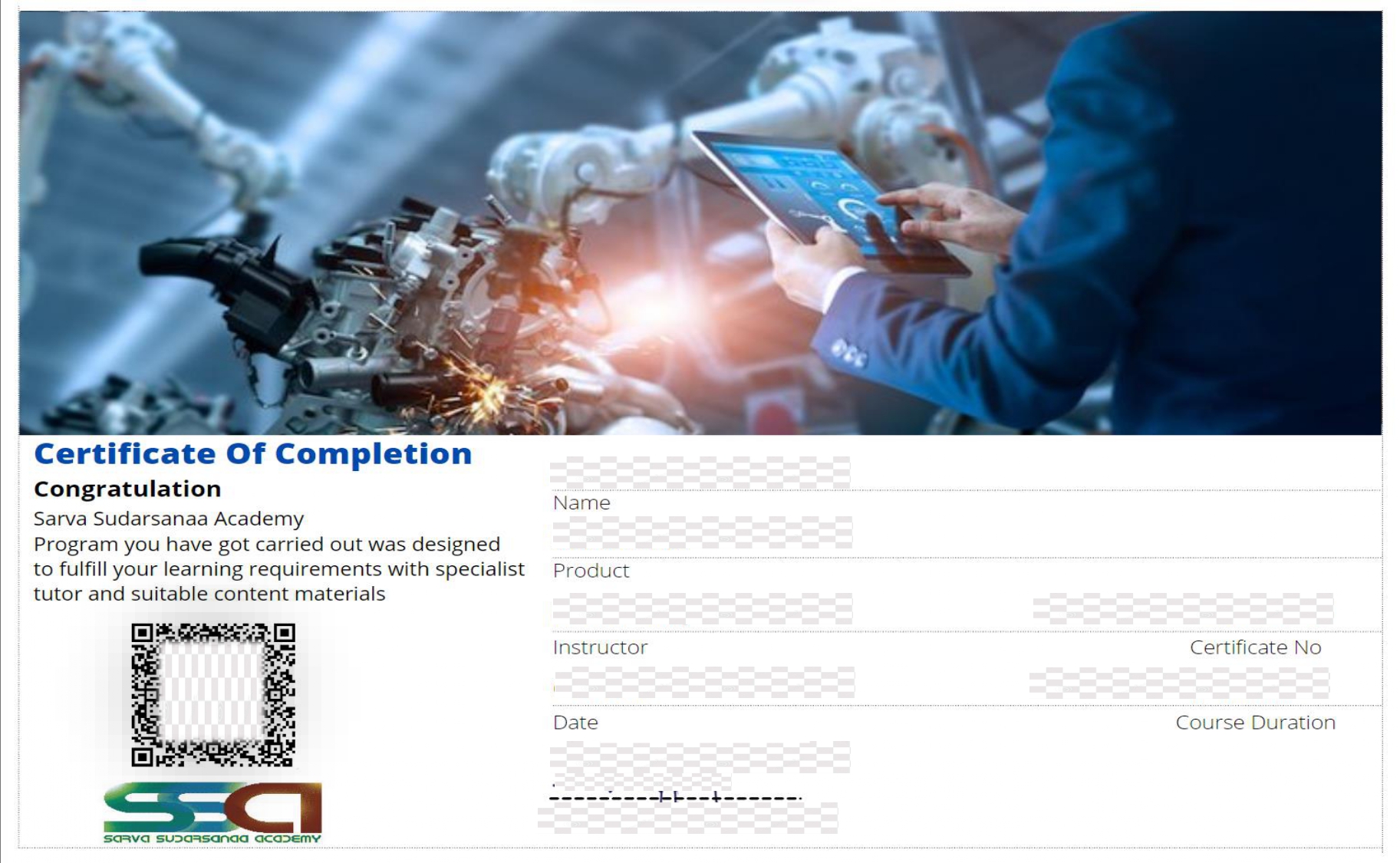
Solid edge Certification is one of the professional credentials which demonstrate that the candidate has gained in-depth knowledge of the Solid edge and its application. With a real-time project experience provided at the end of the Solid edge training, this certification states that the candidate has acquired the necessary skills to work in Solid edge software. Having this certificate along with your resume helps in prioritizing your profile at the time of the interview, and also it opens the door for a wide range of career opportunities.
Solid edge certificate from SSA holds the necessary skill sets that are required for a professional designer/Architect under the guidance of our Real-time professionals. Solid edge training is provided by professionals who have 8+ years of experience in the Designing/Architect platform and also as corporate trainers. They upskill your knowledge with the recent developments in the relevant field of yours.
Opportunity
Job Opportunities After Completing Solid Edge Course in Chennai
Solid edge is the best software used by mechanical engineers. It is used for product designs in automobile industries. This software combines CAD, CAM and CAE all together in one this make very easy for 3D printing.
Some of the solid edge software using companies are:
- Craft Mold India,
- M/s RK POLY IMPEX,
- DILSEN INNOVATIONS
- Sri Ganesh Enterprises,
- Axis Technology,
- Finetech Enterprises,
- LECS,Mark Tools Eng ltd

Reviews
One of the finest institute, Had one to one coaching which was very beneficial and staffs were too supportive and friendly, gained lot of knowledge about all software's, classes are arranged as per our convenience which i find great.
Ashwanthini
I learnt the AutoCAD and CATIA course they taught all the concepts very clearly, they gave me more practices. Infrastructure is good. Also the institute helped for my placement.
Anbu Sabari
This is the best place to learn design software. Then guidance is also good. I learn creo software very well. The faculty teach software tools very clearly and best.
Vinith Kumar
Good place to study design courses. They give personal attention to each and every student and are approachable .They are dedicated and knowledgeable.
Devadharshini.C
Good Institution. Teaching was very good. Doubts clearing fantastic. Value for money. Life time access is superb.
Really a wonderful learning in this institute.
Ari Siva
Previous
Next
FAQ'S
- SSA students can have a vast and practical kind of course knowledge since they get Solid edge workbench training from the corporate trainers who are with 8+ years of experience.
- The only institution in Chennai who first introduced the ‘one to one’ training in professional courses.
- Affordable and reasonable fee structure.
- Flexible course timings.
- Corporate trainers.
- Real time projects and case studies.
- SSA was inaugurated and commenced its service and operations in 2014 as an independent institute for training technical designs and concepts for all engineering courses.
- After 7 years of tremendous growth, today SSA has served Job cum entrepreneurship for 200+ students.
- More than 500 students have been trained from 20+ colleges and have been benefited by our quality teaching concepts.
- SSA has placed 80+ students in the corporates in mechanical and civil domain.
- SSA is carrying out consecutive trainings in wiring harness, ArtCAM and various mechanical and civil soft wares and courses for leading and giant corporates like Bosch,L&T ,caterpillar etc..,
- SSA is being tagged with consecutive corporate trainings on behalf of its quality services in technical concepts.
- SSA’s ultimate goal and responsibility is to be trustworthy and enlighten the technical knowledge to the students and corporate personals in the time of need.
Trainers are Industry Experts who have a decade of experience as corporate trainers/Real time designers and practitioners in mechanical, Electrical and civil industries. Also, the Training faculty of SSA are domain oriented graduates with vast academic knowledge, working professionals from the mechanical, Electrical and civil field who provide hands-on training to the students.
SSA provides trainings both offline and online.
- Offline
- online
- Available
- Cash, card, G pay, net banking.